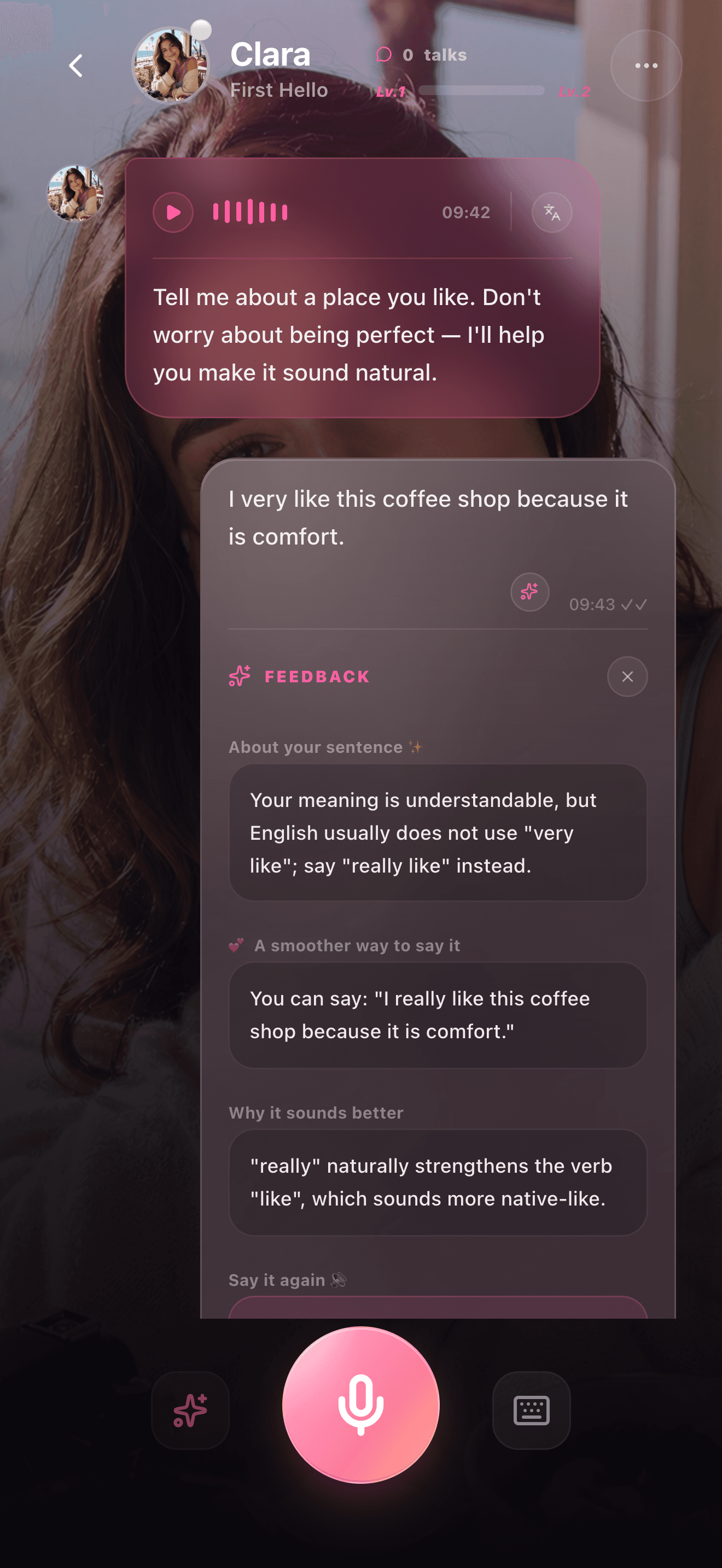
Correction feedback
A feedback screen shows how learners can improve after speaking.
Correction Feedback Examples
Good feedback should improve one thing without making the learner stop. Sweetalk is designed around gentle, contextual improvements after voice practice.
Available on the App Store for iPhone in 24 countries and regions
Real app screens
Screenshots make each guide more concrete for learners and give search systems stronger product-specific context.
A feedback screen shows how learners can improve after speaking.
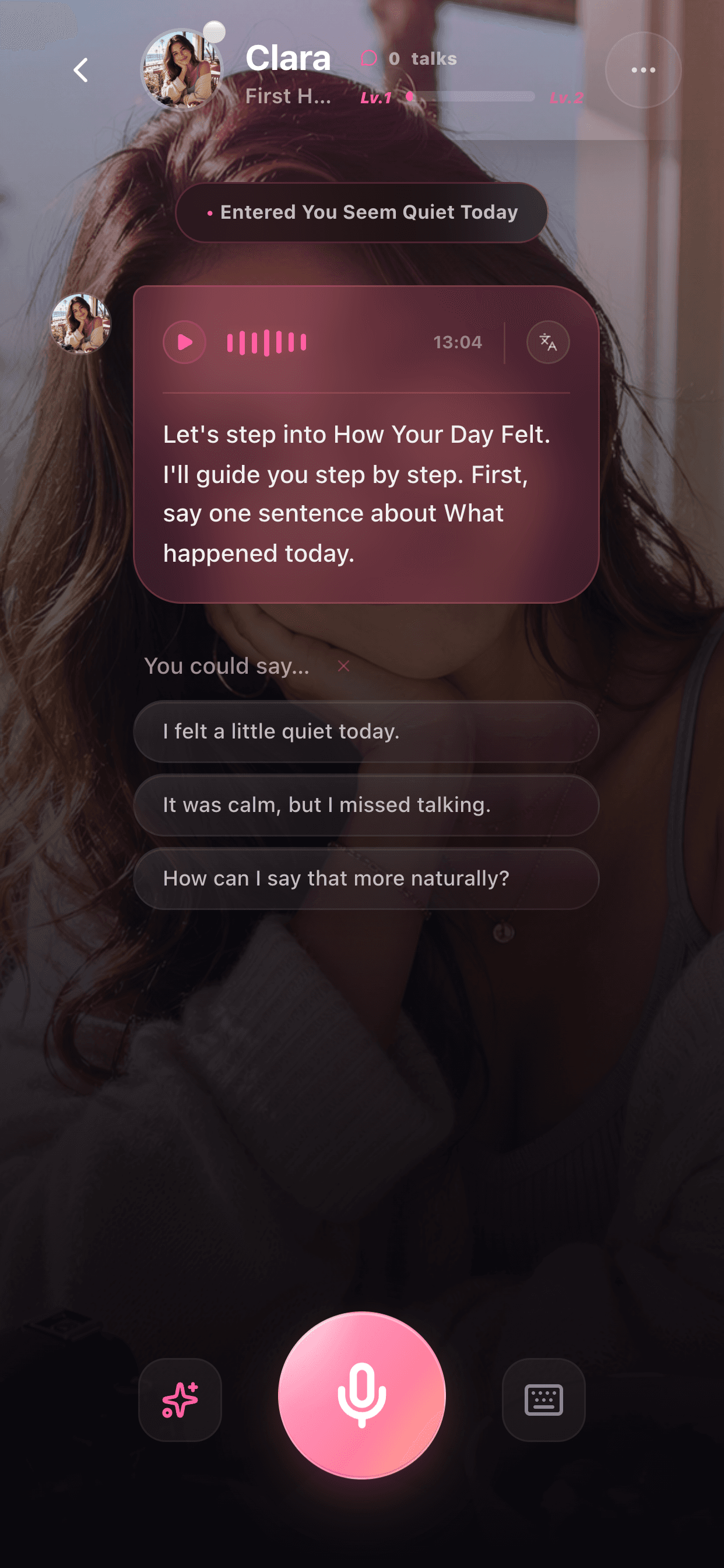
Feedback is connected to the conversation instead of isolated drills.
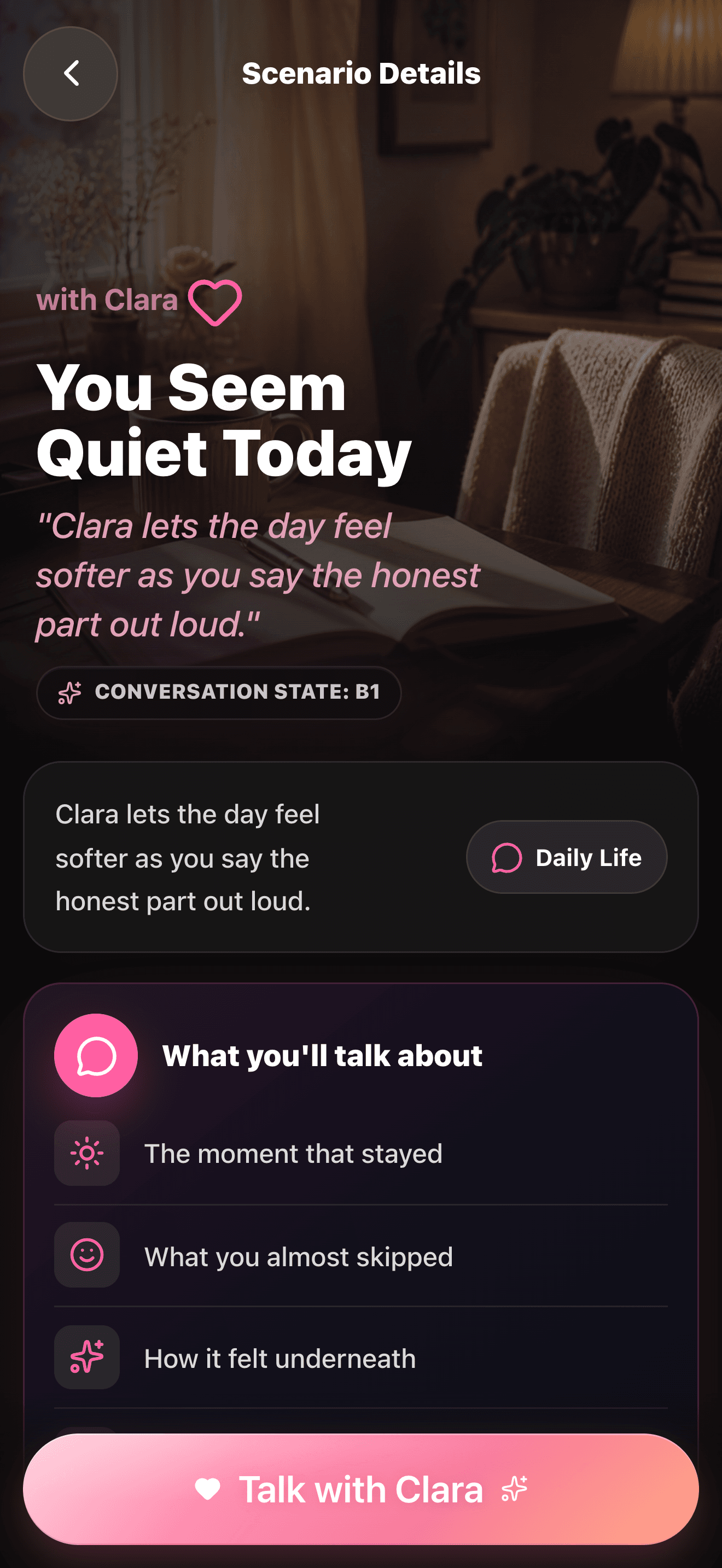
Learners can see the topic before reviewing a better answer.
Learner: Yesterday I go shopping with my friend. Feedback: Try: Yesterday I went shopping with my friend. This keeps your meaning and fixes the past tense.
Learner: I very like this movie. Feedback: A more natural version is: I really like this movie. You can use really before like to sound more natural.
Learner: My pronunciation is not good and I am afraid. Feedback: You can say: I feel nervous about my pronunciation, but I want to keep practicing.
FAQ
Useful feedback is specific, easy to apply, and focused on helping the learner continue speaking instead of feeling judged.
No. Correcting every sentence can reduce confidence. It is often better to focus on one useful improvement at a time.
Sweetalk focuses on gentle, contextual feedback where available so learners can improve while staying in the conversation flow.
More product proof
Conversation Examples
These examples show the shape of a Sweetalk session: a low-pressure prompt, a spoken learner answer, a natural companion reply, and one useful improvement.
View examplesSpeaking Scenarios
Sweetalk scenarios give learners a reason to speak. Each scene creates a specific situation, useful phrases, and a clear next reply.
View examples